
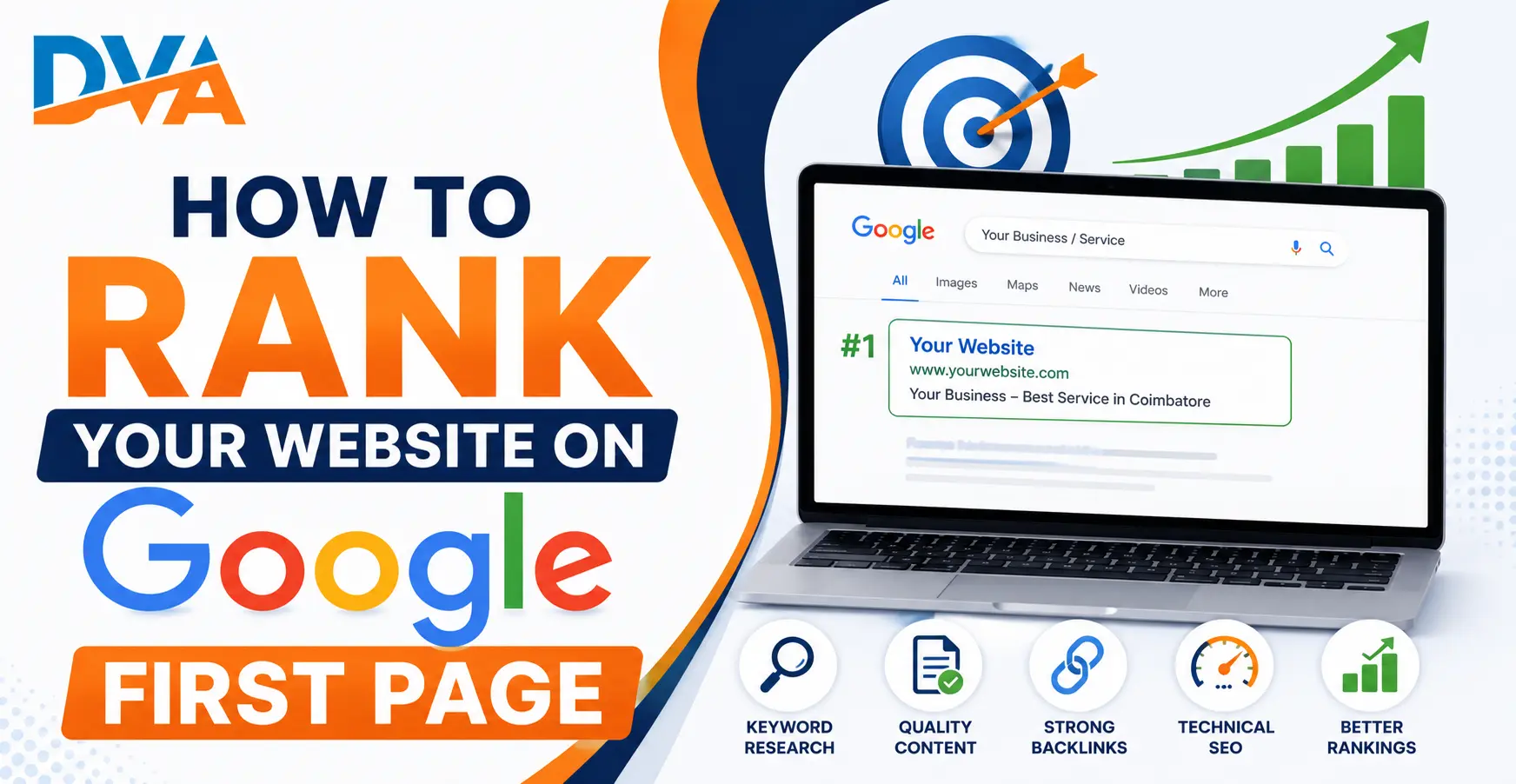
To rank on Google’s first page, you need to do six things consistently: choose the right keywords, create content that fully answers the search query, optimise your on-page SEO elements, fix technical issues on your site, build credible backlinks, and track your progress with free tools. There are no shortcuts. But with the right approach applied consistently, any website can reach page one for the right search queries.
Websites that consistently rank on Google’s first page share three characteristics: they publish genuinely useful content that matches what searchers are looking for, they maintain a technically clean and fast website, and they earn credible links from other reputable websites. Build these three pillars and ranking improvements follow naturally.
Most searchers never scroll past Google’s first page of results. If your website is not appearing there, it is effectively invisible to the vast majority of people searching for what you offer. The encouraging reality is that reaching page one is achievable for most businesses and content creators who understand how Google works and apply the right strategies with consistency.
This guide breaks the process into six clear steps. Each step builds on the previous one, and none of them require expensive tools or a technical background to get started.
How Does Google Decide Which Websites Rank on Page One?
When someone types a query into Google, its ranking systems select the most relevant and useful results from billions of indexed pages within milliseconds. No single factor guarantees a top position. Google considers hundreds of signals together: content quality, technical site performance, links from other websites, and the searcher’s own location and search history.
Google updates its ranking systems regularly. Tactics that appear to trick the algorithm tend to stop working quickly. What consistently works over the long term is publishing genuinely useful content on a well-structured, fast-loading website and building real credibility through earned backlinks and consistent publishing.
Step 1: Find the Right Keywords Before You Write Anything
Start with specific, longer phrases rather than broad, one-word searches. A query like “best digital marketing course in Coimbatore for beginners” is far easier to rank for than just “digital marketing.” These longer, specific phrases are called long-tail keywords. They attract smaller search volumes but much more targeted visitors who are ready to act.
- Use Google Keyword Planner (free with any Google account) to find keyword ideas and check monthly search volumes in your target location.
- Check the People Also Ask boxes and Related Searches at the bottom of any Google results page for free additional keyword ideas.
- Look at what already ranks for your target keyword. If all top results are large, established brands, start with a more specific variation first.
- Match your content to search intent: understand whether the searcher wants information, wants to compare options, or is ready to make a purchase or enquiry. Create content that matches that intent exactly.
Step 2: Create Content That Fully Answers the Search Query
Write the direct answer to the search query in your first paragraph. Then go into useful detail below it. Use clear headings (H2, H3) to structure your content so both readers and Google can understand what each section covers. Address the full topic, including related questions your audience might also have.
- Google rewards pages that fully cover a topic, not pages that simply repeat the keyword several times in a short article.
- Use real examples, step-by-step explanations, and practical advice rather than vague, generic statements.
- Keep paragraphs short. Long, dense blocks of text push readers away and signal to Google that the content is hard to read.
- Write at a reading level your target audience finds comfortable. Simple, clear writing consistently performs better than unnecessarily complex language.
- Update your content regularly. Fresh, accurate information signals to Google that your page is actively maintained and trustworthy.
Step 3: Optimise Your On-Page SEO Elements
Here are the key on-page elements to check on every page you publish:
Digital Vishnu Academy
Join 500+ Students Already Building Their Digital Marketing Career
Live projects. AI tools. 100% placement support. Batches in Coimbatore and online.
- Title tag: Write a specific, descriptive title (50 to 60 characters) that includes your target keyword naturally. This is the headline that appears on the Google results page and is one of the strongest on-page ranking signals.
- Meta description: A 140 to 160 character summary that tells searchers why your page answers their query. A well-written meta description improves click-through rates from the search results.
- URL slug: Keep it short and include the main keyword (for example: /how-to-rank-on-google/). Avoid long, complicated URLs with numbers or random characters.
- H1 heading: Use exactly one H1 per page with your target keyword included naturally.
- Image alt text: Describe what each image shows using relevant keywords where they fit naturally. This also improves accessibility for visually impaired readers.
- Internal links: Link to related pages on your own website. This helps Google understand your site structure and distributes authority between your pages.
For a complete step-by-step list covering every on-page element, see our full on-page SEO checklist.
Step 4: Fix Your Technical SEO
Start with these technical SEO priorities:
- Page speed: Google uses Core Web Vitals as a ranking signal. Test your site for free at PageSpeed Insights. Compress images, enable caching, and remove unused scripts to improve load time.
- Mobile-friendliness: Since 2019, Google primarily indexes the mobile version of websites. Your site must display and function correctly on smartphones at all screen sizes.
- HTTPS: A secure site (https:// not http://) is a confirmed Google ranking signal. Most reputable hosting providers include free SSL certificates.
- XML sitemap: Submit your sitemap to Google Search Console so Google knows which pages exist and should be indexed.
- No broken links: Broken internal links waste Google’s crawl budget and create a frustrating experience for visitors.
- Clean site structure: Organise your pages in a clear hierarchy. Related content should be logically connected through categories and internal links.
If technical SEO is new to you, our Technical SEO for Beginners guide covers each of these areas in plain, beginner-friendly language.
Step 5: Build Quality Backlinks to Your Pages
The most sustainable way to earn backlinks is to create content that other websites naturally want to reference. Practical guides, original research, detailed how-to articles, and comprehensive resource pages attract links over time without any active outreach. But you can also take a more proactive approach:
- Guest posts: Write useful articles for other blogs in your industry. Include a natural link back to relevant content on your own website.
- Business directories: Get listed on credible local directories. For businesses in India, JustDial, Sulekha, and IndiaMART are useful starting points.
- Press mentions: Local news sites, trade publications, and industry blogs often link to businesses they feature in their articles.
- Create linkable assets: Free tools, original data, detailed beginner guides, and comprehensive resource pages tend to earn links naturally over time.
For a full breakdown of ethical, effective link-building strategies, read our guide on off-page SEO techniques that actually work.
Step 6: Track Your Progress with Google Search Console
Verifying your site in Google Search Console takes about 10 minutes. Add a small verification code to your site or verify through your domain registrar. Once confirmed, check these reports at least once a week:
- The Performance report shows which search queries are generating impressions and clicks for your pages. Use it to spot keyword opportunities you did not target intentionally.
- The URL Inspection tool lets you request Google to crawl and index any new page you publish, which is faster than waiting for Google to discover it on its own.
- The Coverage report identifies pages Google cannot crawl or has excluded from the index, often flagging technical issues you may not have noticed.
- The Core Web Vitals section shows which pages have poor speed or layout stability scores that may be affecting their ranking potential.
SEO results do not appear overnight. Understanding how long SEO takes to show results will help you stay consistent rather than abandoning your strategy before it has had time to work.
| Common SEO Mistake | Better Approach |
|---|---|
| Writing content around keywords instead of reader needs | Write for the reader first; use keywords naturally where they fit |
| Targeting high-competition keywords from day one | Start with specific long-tail keywords with lower competition |
| Ignoring page speed and mobile performance | Compress images, remove unused scripts, test on PageSpeed Insights |
| Buying backlinks to speed up rankings | Earn links through useful content, guest posts, and legitimate directories |
| Publishing once and never updating the page | Update existing posts regularly with accurate, fresh information |
| Never checking Google Search Console | Review Search Console weekly for crawl errors, ranking data, and new opportunities |
Ranking on Google’s first page is not about tricks or shortcuts. It is about consistently doing the right things: researching the right keywords, creating genuinely useful content, fixing technical issues, earning credible backlinks, and tracking your progress every week. Every step in this guide reinforces the others.
Most websites doing consistent SEO work begin seeing meaningful improvements within 3 to 6 months. Some competitive topics take longer. The businesses that succeed treat SEO as a long-term investment rather than a one-time campaign.
If you want to learn SEO step by step with hands-on training and real projects, explore our SEO course in Coimbatore or the complete digital marketing course.
Frequently Asked Questions
How long does it take to rank on Google’s first page?
There is no fixed timeline. For specific, low-competition keywords, a well-optimised page can appear on page one within a few weeks. For competitive terms, it can take 6 to 12 months of consistent work. Most websites doing regular SEO activity see meaningful ranking improvements within 3 to 6 months. Consistency matters far more than speed.
Can I rank on Google’s first page without spending money on tools?
Yes. The core activities required to rank on Google, including keyword research, creating quality content, technical SEO fixes, and earning backlinks, can all be done using free resources. Google Keyword Planner, Google Search Console, and PageSpeed Insights are all free and give you everything you need to get started. Paid tools speed up research but are not required for initial results.
How many backlinks do I need to rank on page one?
There is no specific number. Quality and relevance matter far more than the total count. One link from a highly trusted, industry-relevant website can outweigh hundreds of low-quality directory links. Check how many backlinks the current page-one results for your target keyword have. That gives you a realistic benchmark specific to your topic and competition level.
Does Google rank new websites differently from established ones?
New websites often take longer to rank because they have not yet built authority, published consistent content, or earned backlinks. The best approach for a new website is to start with specific, low-competition long-tail keywords, publish content consistently, and earn your first backlinks from local business directories and industry listings. Building trust with Google takes time.
What is the fastest improvement I can make to boost my Google ranking?
Fix your technical SEO first. Broken pages, slow load times, mobile usability issues, and missing meta tags actively prevent otherwise good content from ranking. Submit your sitemap to Google Search Console and use the URL Inspection tool to request indexing for your key pages. Technical fixes often produce visible improvements faster than content changes alone.
