
Technical SEO is the behind-the-scenes work that helps search engines find, crawl, and index your website correctly. Without a solid technical foundation, even well-written content may never appear in search results. This guide explains the key areas of technical SEO in simple terms, so you can check your website and fix common issues with confidence.
Technical SEO focuses on how your website is built and structured, not what it says. It makes sure search engines can access your pages, understand them, and deliver a good experience to users. Think of it as the foundation your entire content strategy sits on.
Most people start learning SEO by writing content and building links. That is a great starting point. But a site with crawl errors, a slow load time, or broken redirects will not reach its full ranking potential, no matter how good the content is. Technical SEO fixes these issues at the root level.
This guide is for beginners who already understand what SEO is and how it works and are now ready to go one level deeper. You will learn what technical SEO covers, which problems to watch out for, and how to fix them using free tools available to anyone.
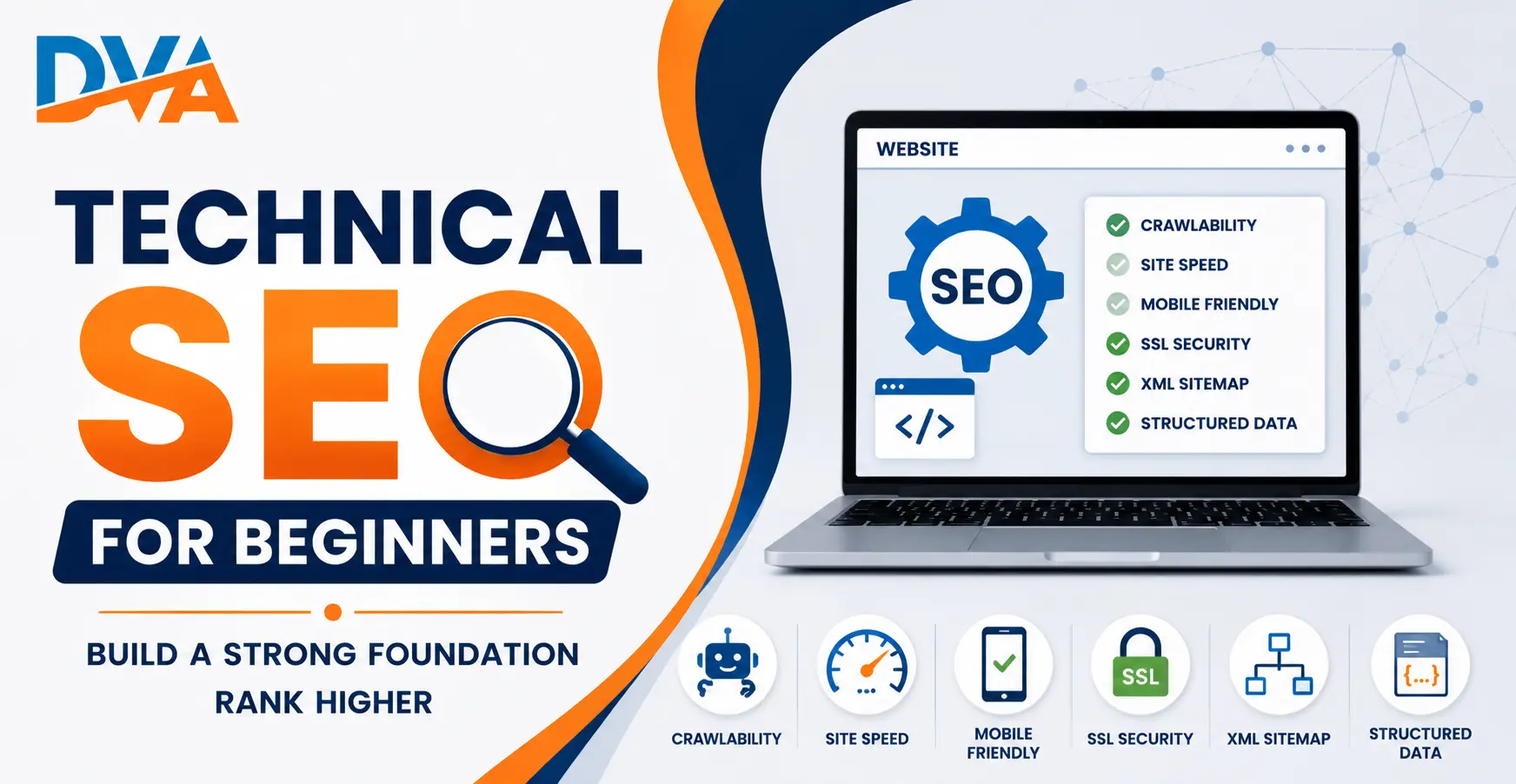
What Is Technical SEO?
Think of your website as a shop. On-page SEO is the quality of the products and signage inside. Off-page SEO is the word-of-mouth and reviews. Technical SEO is the building itself. If the doors are locked or the floors are broken, customers cannot get in, regardless of how good the products are.
Technical SEO works alongside our on-page SEO checklist and off-page SEO techniques. All three need to work together for strong organic performance.
How Do Search Engines Crawl and Index Your Website?
Googlebot starts by following links from pages it already knows. It discovers new pages through internal links, external links pointing to your site, and your XML sitemap. Every page it visits, it reads the HTML and sends that information back to Google’s servers for processing.
It is possible for a page to be crawled but not indexed. This can happen if the page has a noindex tag, is blocked by robots.txt, has very thin content, or has a canonical tag pointing to a different URL. Google Search Console shows you exactly which pages are indexed and which are not.
One more concept to understand is crawl budget. Googlebot does not crawl every page on your site every day. Slow sites and sites with many low-value pages get fewer crawl visits. Removing duplicate or low-value pages and fixing broken links helps Google spend its crawl budget on your most important content.
XML Sitemap and Robots.txt: What Each One Does
Most WordPress sites generate an XML sitemap automatically through an SEO plugin like Rank Math or Yoast SEO. You can find your sitemap at yourwebsite.com/sitemap_index.xml. Once created, submit it to Google Search Console so Google can process it quickly.
Your robots.txt file sits at yourwebsite.com/robots.txt. It is a plain text file with simple allow and disallow rules. A common mistake is accidentally blocking important pages with a disallow rule, which stops Google from crawling them entirely. Always check this file when running a technical audit.
One critical point from Google’s own documentation: robots.txt blocks crawling, not indexing. A blocked page can still appear in search results if other websites link to it. To prevent a page from appearing in search results, use a noindex meta tag, not a robots.txt rule.
What Are Core Web Vitals and Why Do They Matter?
In March 2026, Google tightened the good LCP threshold from 2.5 seconds to 2.0 seconds. This means sites that previously passed the benchmark may now fall below it. As of 2026, only 47% of websites meet all three Core Web Vitals thresholds at once, which means passing them gives you a real competitive advantage.
Core Web Vitals act as a tie-breaker between pages with similar content and backlinks. For a beginner, the most impactful fixes are compressing large images, reducing unused JavaScript and CSS, and using a hosting provider with fast server response times. Even shaving half a second off your load time can make a measurable difference.
100% Placement Support
Get Placed After Your Digital Marketing Course at DVA Coimbatore
Resume building, interview prep, and direct company tie-ups. Real placements, not promises.
Check your Core Web Vitals for free using Google PageSpeed Insights or the Core Web Vitals report inside Google Search Console. Both show which pages fail the thresholds and give you specific suggestions. Run the check on your homepage and your most important pages first.
HTTPS and Mobile-First Indexing
HTTPS is a confirmed Google ranking signal. Websites without a valid SSL certificate show as Not Secure in Chrome, which increases bounce rates and reduces user trust. If your site still uses HTTP, switching to HTTPS is one of the most important technical fixes you can make today.
Mobile-first indexing means Google primarily uses the mobile version of your website for crawling and ranking, even for desktop searches. This has been Google’s default since 2019. If your mobile pages are missing content, carry heavier images than the desktop version, or load slowly on a phone, your rankings will suffer directly.
Test your mobile performance using Google’s Mobile-Friendly Test tool. The test takes under a minute and shows exactly how Googlebot sees your page on a phone. Fix any issues flagged there before moving on to other optimisations.
Site Architecture and Clean URL Structure
Good internal linking is a core part of technical SEO. Every important page on your site should have at least one internal link pointing to it from another page. Orphan pages, those with no links pointing to them, are harder for Google to discover and tend to perform poorly in search results.
URL structure should be short, lowercase, and use hyphens to separate words. Avoid underscores, special characters, or session-based parameters in URLs. Once a URL is indexed, never change it without setting up a proper 301 redirect. Broken URLs without redirects waste crawl budget and lose the link equity those pages had built over time.
Structured Data: Help Google Understand Your Content
Structured data is a standardised format, usually written in JSON-LD, that you add to web pages to help search engines understand what the content is about. It can tell Google that a page is an FAQ, a local business, a product, or an article. This information powers rich results in search, such as FAQ dropdowns, star ratings, and event listings.
For a beginner, the most useful schema types are FAQ schema, Article schema, and LocalBusiness schema. Rank Math and Yoast SEO both let you add structured data without writing code. Google’s Rich Results Test tool lets you validate your schema before publishing.
Structured data does not directly guarantee better rankings. But it does improve click-through rates when it powers rich snippets. In 2026, well-structured content is also more likely to be cited in AI-generated search answers, which is becoming an important source of organic visibility.
How to Run Your First Technical SEO Audit
Running a technical SEO audit sounds complex, but free tools handle the heavy lifting. Here is a quick comparison of the most useful tools for beginners:
| Tool | What It Checks | Free? | Best For |
|---|---|---|---|
| Google Search Console | Indexing, crawl errors, Core Web Vitals, sitemaps | Yes | All-round monitoring |
| Google PageSpeed Insights | Core Web Vitals, speed, mobile usability | Yes | Page speed analysis |
| Screaming Frog (Free) | Crawl errors, broken links, duplicate titles, redirects | Up to 500 URLs | Full site crawl |
| Google Rich Results Test | Structured data validation | Yes | Schema markup |
| Mobile-Friendly Test | Mobile rendering, usability issues | Yes | Mobile optimisation |
Start with Google Search Console. It uses real data from Google’s own systems and is the most reliable tool for understanding how your site performs in search. Set it up for your site if you have not already done so.
After Search Console, run Google PageSpeed Insights on your homepage and two or three key blog posts. Address any Core Web Vitals failures before moving to other audit areas. Page speed is the quickest win for most Indian websites, which often carry large uncompressed images and heavy page builders.
Conclusion
Technical SEO is not optional. It is the foundation that makes every other SEO effort work properly. If Google cannot crawl your pages, find your sitemap, or load your site on mobile in under two seconds, your content strategy will not deliver the results you are working toward.
The good news is that most technical SEO issues are fixable without a developer. Start by setting up Google Search Console, checking your Core Web Vitals, confirming your site uses HTTPS, and reviewing your robots.txt and sitemap. Those five steps alone resolve the most common problems on most websites.
If you want to learn technical SEO and the full range of digital marketing skills in a structured way, explore our SEO course in Coimbatore or our complete digital marketing course. Both are built for beginners and cover practical skills you can apply from day one.
Ready to check a real site? Work through our technical SEO checklist with 25 step-by-step checks and the free tools for each one.
Frequently Asked Questions
What is the difference between technical SEO and on-page SEO?
On-page SEO covers the content and HTML elements on your page, such as title tags, headings, and keywords. Technical SEO covers the infrastructure supporting your site: crawlability, site speed, HTTPS, sitemaps, and mobile-friendliness. Both are essential, but technical SEO comes first because it enables everything else to function correctly.
Do I need to know how to code to do technical SEO?
Not at a beginner level. Most technical SEO tasks can be completed through your CMS, SEO plugin, or Google’s free tools without writing any code. Basic HTML knowledge helps, but tools like Rank Math, Yoast SEO, and Google Search Console handle the technical side for most website owners without requiring a developer.
What are the most common technical SEO mistakes beginners make?
The most common mistakes are accidentally blocking important pages in robots.txt, skipping the XML sitemap submission in Google Search Console, using HTTP instead of HTTPS, leaving large uncompressed images that slow the page, and having orphan pages with no internal links. A monthly review in Google Search Console catches most of these issues early.
How long does it take for technical SEO fixes to improve rankings?
It depends on how often Google crawls your site and the severity of the issue. Fixes like submitting a sitemap or switching to HTTPS may show results within a few days to a few weeks. Core Web Vitals improvements may take several weeks to reflect in rankings after Google recrawls and re-evaluates your pages. Consistent improvements compound over time.
Is Core Web Vitals a major ranking factor in 2026?
Core Web Vitals are a confirmed Google ranking signal and part of the page experience evaluation. Google treats them as a tie-breaker between pages with similar content and backlinks. As of 2026, Google tightened the LCP threshold to 2.0 seconds, and only 47% of websites currently pass all three metrics. Strong Core Web Vitals performance is a real competitive advantage.
