
Most business owners and content creators post whenever inspiration strikes. Then they go silent for two weeks and wonder why their audience stops engaging. A content calendar solves that problem and gives you a plan so you never stare at a blank screen wondering what to post next.
This guide shows you exactly how to build a content calendar and plan a full 30 days of content in a single 2-hour planning session, even if you have never done it before.
Quick Answer: A content calendar is a planning document that maps out what you will publish, on which platform, and when. To plan 30 days of content in 2 hours, complete five actions in one session: define your content pillars, set your monthly theme, fill a calendar grid with dates and topics, write hooks and headlines in advance, and set up scheduling or assign tasks. Once the system is in place, repeating it each month takes under 2 hours.
Key Takeaways
- A content calendar prevents inconsistent posting and last-minute content stress
- You only need three things to start: content pillars, a monthly theme, and a simple grid
- Batching all planning into one 2-hour session is faster and calmer than planning day by day
- Free tools like Google Sheets and Notion are enough to get started right away
- The biggest mistake is over-planning without leaving flexibility for timely or trending content
What is a Content Calendar and Why Does It Matter?
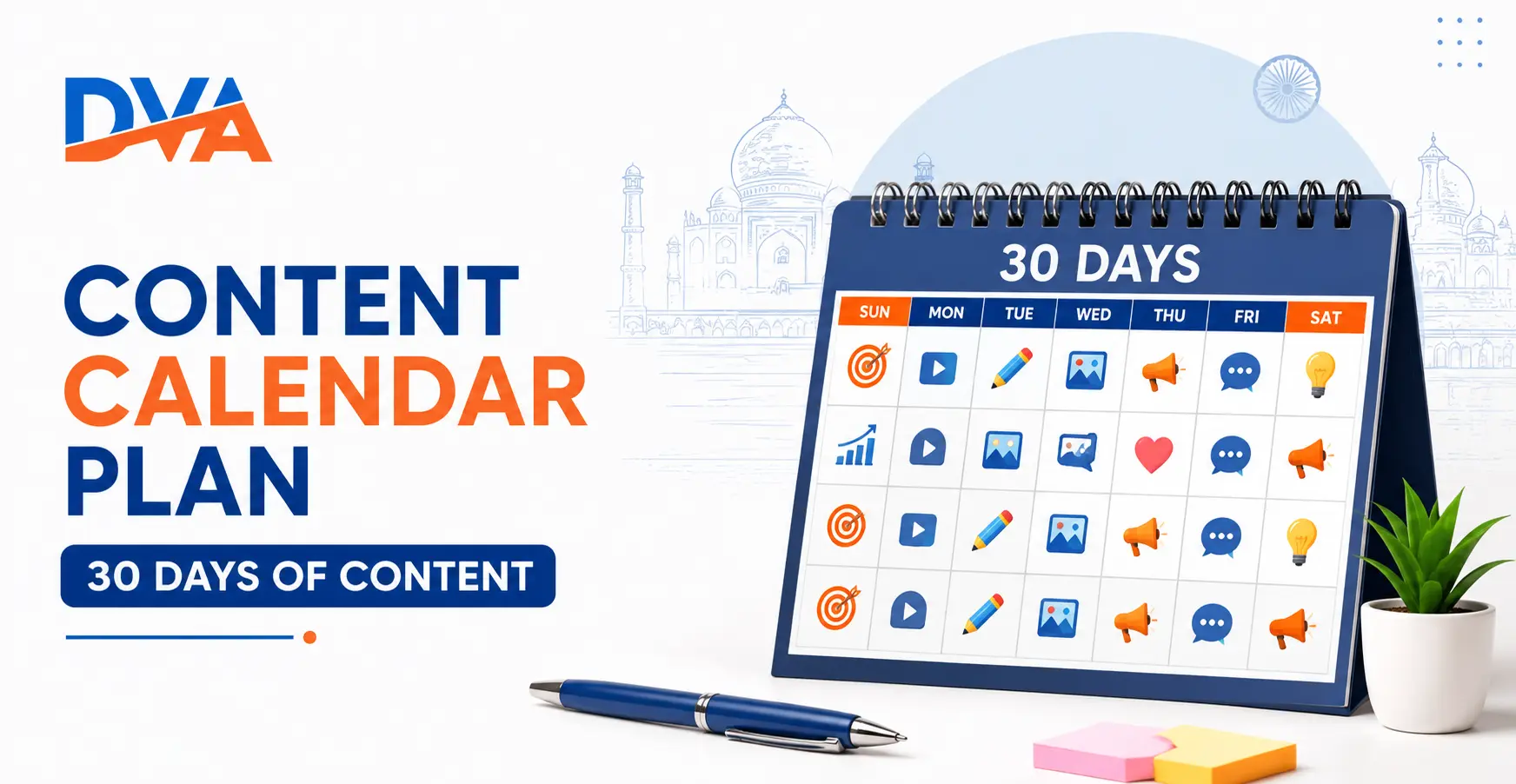
A content calendar is a planning document or tool that shows every piece of content you plan to create and publish across all your channels, including blog posts, social media, email newsletters, and videos, organised by date. It replaces guesswork with a clear schedule, helps you stay consistent, and ensures your content connects to real business goals rather than random ideas.
Without a content calendar, most creators fall into the same pattern: post a flurry of content when motivated, disappear when busy, and restart with no clear direction. Consistency is one of the most important factors in building an engaged audience, and you cannot be consistent without a plan.
A content calendar also helps you spot gaps before they happen. You can see at a glance if you have three product posts in a row with no educational content, or if you have nothing planned for a major festival or event your audience cares about.
Understanding how your content calendar fits into a broader strategy is essential. Our guide on what is content marketing and why every business needs it explains the strategic framework behind every effective content plan.
What Should a 30-Day Content Calendar Include?
A practical 30-day content calendar should include the publish date, the platform or channel, the content format (post, video, blog, email), the topic or working title, the hook or opening line, and the current status (draft, scheduled, or published). You do not need a complex tool to hold this information. A simple Google Sheet with these six columns is enough to run a professional content operation.
Here is what each column in your content calendar should capture:
- Date: The exact day you plan to publish, not the day you plan to create
- Platform: Instagram, Facebook, LinkedIn, blog, YouTube, email, or WhatsApp channel
- Format: Reel, carousel, static image, story, long-form post, short video, or article
- Topic or title: A working headline or clear topic statement so anyone can pick it up
- Hook or caption: The first line that will make someone stop scrolling
- Status: Idea, in draft, ready to schedule, or published
Keep the calendar simple enough that you actually use it. A perfect system you ignore is worth nothing. A basic sheet you update every week is worth everything.
How to Plan 30 Days of Content in 2 Hours
To plan 30 days of content in 2 hours, block a single uninterrupted planning session and complete five steps in sequence: review your content pillars (20 minutes), set your monthly theme and goals (15 minutes), fill the calendar grid with dates and topics (30 minutes), write headlines and hooks in advance (30 minutes), and set up scheduling or assign creation tasks (25 minutes). This session replaces reactive posting with a proactive, organised system.
Step 1: Review or Define Your Content Pillars (20 Minutes)
Content pillars are the 3 to 5 core topic categories your brand consistently talks about. Every piece of content you create should belong to one of these pillars. For a digital marketing academy, pillars might be: learning tips, career advice, tool tutorials, student success stories, and business growth strategies.
If you already have pillars, spend this 20 minutes reviewing whether they still fit your audience and goals. If you are starting fresh, write down 3 to 5 categories that reflect both what you know well and what your audience wants to learn. Do not skip this step. Without pillars, your calendar will fill up with random, disconnected content that confuses your audience.
For a detailed breakdown of how to build a content pillar structure for social media, read our guide on how to create a social media calendar with a free template.
Step 2: Set Your Monthly Theme and Goals (15 Minutes)
Choose one overarching theme for the month. This keeps all your content connected rather than scattered. A theme might be a seasonal event, a product launch, an educational series, a common audience problem, or an awareness month relevant to your industry.
Alongside the theme, set one or two specific content goals for the month. Examples include: grow Instagram followers by publishing five Reels, drive 500 blog visits from SEO content, generate 20 email sign-ups through a lead magnet post, or build awareness before a course launch. Clear goals tell you whether your content is actually working at the end of the month.
Ready to start?
Learn Digital Marketing with Live Projects at Digital Vishnu Academy, Coimbatore
SEO, Google Ads, Social Media, AI Tools and more. Job-ready in 3 months.
Step 3: Fill the Calendar Grid with Dates and Topics (30 Minutes)
Open your calendar grid and start filling in topics by pillar, platform, and date. Do not try to be perfect. Start with the dates first, then assign each date a platform and pillar, then add a rough topic or question your content will answer.
A practical posting rhythm for most small businesses and creators looks like this: 3 to 5 social media posts per week, 2 to 4 email newsletters per month, and 2 to 4 blog posts per month. Do not overcommit. A schedule you can maintain consistently every month beats an ambitious schedule you abandon after week one.
Mark any important dates in the month first: national or regional festivals, local events, product launches, or industry awareness days. Build content around these dates so your calendar reflects what your audience is actually experiencing.
Step 4: Write Headlines and Hooks in Advance (30 Minutes)
For every planned post, write the headline or opening hook before the month starts. This is the part most content creators skip, and it is the part that saves the most time later. When you sit down to create content, the hardest part is deciding what to say first. If your hook is already written, you can move straight into creation.
A good headline tells the reader exactly what they will learn or gain. A good social media hook creates curiosity, surprise, or immediate relevance in the first line. Spend this 30 minutes writing these for every item in your calendar. Even rough versions are better than blank fields.
Our practical guide on how to write SEO-friendly blog posts covers headline writing techniques you can apply to any content format, including social posts and email subject lines.
Step 5: Schedule or Assign Creation Tasks (25 Minutes)
Use the remaining time to either schedule posts directly in a scheduling tool or assign creation tasks in a project management tool. If you are the only person creating content, set calendar reminders for each creation deadline so you stay ahead of the publish date. If you have a team, assign each calendar item to the right person in Trello, Notion, or a shared Google Sheet.
Do not try to create all the content in this session. The 2-hour session is for planning only. Content creation is a separate step that happens throughout the month, guided by the plan you just built.
Free Tools to Build Your Content Calendar
You do not need to pay for a content calendar tool when you are starting out. Google Sheets, Notion, and Trello all offer free plans that work well for solo creators and small teams. As your volume and team size grow, dedicated tools add features like scheduling, analytics, and approval workflows. Start simple and upgrade only when the free tool genuinely limits you.
| Tool | Cost | Best For | Key Limitation |
|---|---|---|---|
| Google Sheets | Free | Beginners, shareable team grids | No visual calendar view |
| Notion | Free plan available | Database + calendar view, templates | Learning curve for beginners |
| Trello | Free plan available | Visual boards, team task assignment | Calendar view needs Power-Up |
| Meta Business Suite | Free | Facebook and Instagram scheduling | Only for Meta platforms |
| Buffer | Free for 3 channels | Multi-platform scheduling | Limited posts on free plan |
For Indian small businesses and beginners, Google Sheets for planning and Meta Business Suite for scheduling is a completely free and effective combination to start with.
For a full comparison of paid and free scheduling tools, read our guide on best social media scheduling tools for small businesses in 2026.
What Types of Content to Include in Your 30-Day Plan
A balanced 30-day content plan should mix educational content (how-tos, tips, and tutorials), engaging content (polls, questions, behind-the-scenes), and conversion content (product or service posts, testimonials, offers). According to the Content Marketing Institute, consistently educational content builds the trust that makes conversion content effective. A rough guide is 60% educational, 20% engaging, and 20% promotional.
Content types to rotate across your 30-day plan include:
- Educational posts: tips, how-to steps, common mistakes, tool explanations, and mini-tutorials
- Engagement posts: questions, polls, opinions, fill-in-the-blank prompts, and behind-the-scenes content
- Storytelling posts: your journey, lessons learned, day-in-the-life content, and real examples
- Promotional posts: course announcements, offers, student results, and clear CTAs (kept to 20% of your content)
- Seasonal or topical posts: Indian festivals, national days, trending industry news, and local events
- Repurposed content: blog post summaries turned into carousels, YouTube videos cut into Reels, email tips turned into social posts
Repurposing is one of the fastest ways to fill a content calendar without creating everything from scratch. One detailed blog post can become five social posts, an email newsletter, a Reel script, and an infographic. Google encourages this approach when the repurposed content is adapted for each channel rather than copied word for word, as outlined in their helpful content guidance.
Common Content Calendar Mistakes to Avoid
The most common content calendar mistake is treating the plan as fixed. Real content creation is flexible. Leave 20% of your calendar slots open for trending content, spontaneous ideas, or timely reactions to events in your industry. A rigid calendar that has no room for what is actually happening this week will always feel out of touch with your audience.
- Planning too far ahead without reviewing: A calendar planned 60 days out is almost always stale by the time you get to it. Plan one month at a time and review weekly
- Treating every platform the same: What works on Instagram does not always work on LinkedIn. Adjust the tone, format, and length for each platform, even when the core topic is the same
- Skipping the hook writing step: The most common reason content gets delayed is sitting down to create without knowing what to say. Writing hooks in advance removes this blocker completely
- Measuring vanity metrics only: Likes and views feel good but do not tell you if your content is working. Track saves, shares, website clicks, and enquiries to measure real impact
- Never refreshing old content: A content calendar is not just for new posts. Add one slot per month to update and repromote your best-performing older content
Want to Learn Content Planning as a Professional Skill?
Content planning, social media strategy, and SEO are core skills in any digital marketing role. If you want hands-on training with real projects and a structured curriculum, Digital Vishnu Academy’s digital marketing course in Coimbatore covers all of these skills with live sessions and mentored project work. Enquire today to see the full syllabus and batch schedule.
Frequently Asked Questions
What is the difference between a content calendar and a social media calendar?
A content calendar covers all your content channels including blog posts, email newsletters, YouTube videos, podcasts, and social media in one plan. A social media calendar is a specific type of content calendar that focuses only on social platform posts. For most small businesses, starting with a social media calendar and then expanding it into a full content calendar as your output grows is the practical approach.
How often should I update my content calendar?
Update your content calendar at least once a week during a brief 15 to 20 minute check-in. Review what was published, move any delayed content forward, note any new ideas or trending topics worth adding, and confirm the upcoming week is ready to go. The monthly planning session fills the calendar. The weekly check-in keeps it accurate and responsive to what is happening in real time.
Can I use a content calendar for just one platform?
Yes, absolutely. A single-platform content calendar is a great starting point. If Instagram is your primary channel, plan 30 days of Instagram content only and do that consistently. Once that system is running smoothly, you can expand the same calendar to cover a second platform. Trying to manage all platforms at once before you have a consistent rhythm on one platform is a common reason people give up on content planning.
How many content pillars should I have?
Three to five content pillars is the practical range for most businesses and creators. Fewer than three makes your content feel repetitive. More than five makes it hard to stay focused. Each pillar should represent a topic category you can create at least 10 to 15 unique posts about without running out of ideas. Review your pillars every quarter to check if they still reflect your audience’s current interests and questions.
What should I post when I have no ideas?
Go back to your content pillars and answer the most common questions your audience asks about each one. Check your comments, DMs, and emails for real questions people have sent you. Search your topic on Google and look at the autocomplete suggestions and the People Also Ask section. These sources give you real, audience-driven content ideas without guesswork. A content calendar built from real questions almost never runs out of material.
Is a paid content calendar tool worth it?
A paid tool is worth it only when a free tool is genuinely limiting you. Start with Google Sheets or Notion. If you find yourself managing multiple team members, multiple clients, or more than 30 posts per week, a paid tool adds efficiency through approvals, scheduling, and analytics. For solo creators and small businesses just getting started, a free spreadsheet-based calendar is entirely sufficient and often more flexible than paid tools.
How do I handle Indian festivals and local events in my content calendar?
At the start of each monthly planning session, mark all relevant Indian festivals, public holidays, and local events in your niche on the calendar before filling in regular content. Identify which ones are relevant to your audience and plan specific content around those dates. Not every festival needs a branded post. Focus on the ones your audience genuinely cares about and where you have something useful or relevant to say beyond a generic greeting card visual.
