
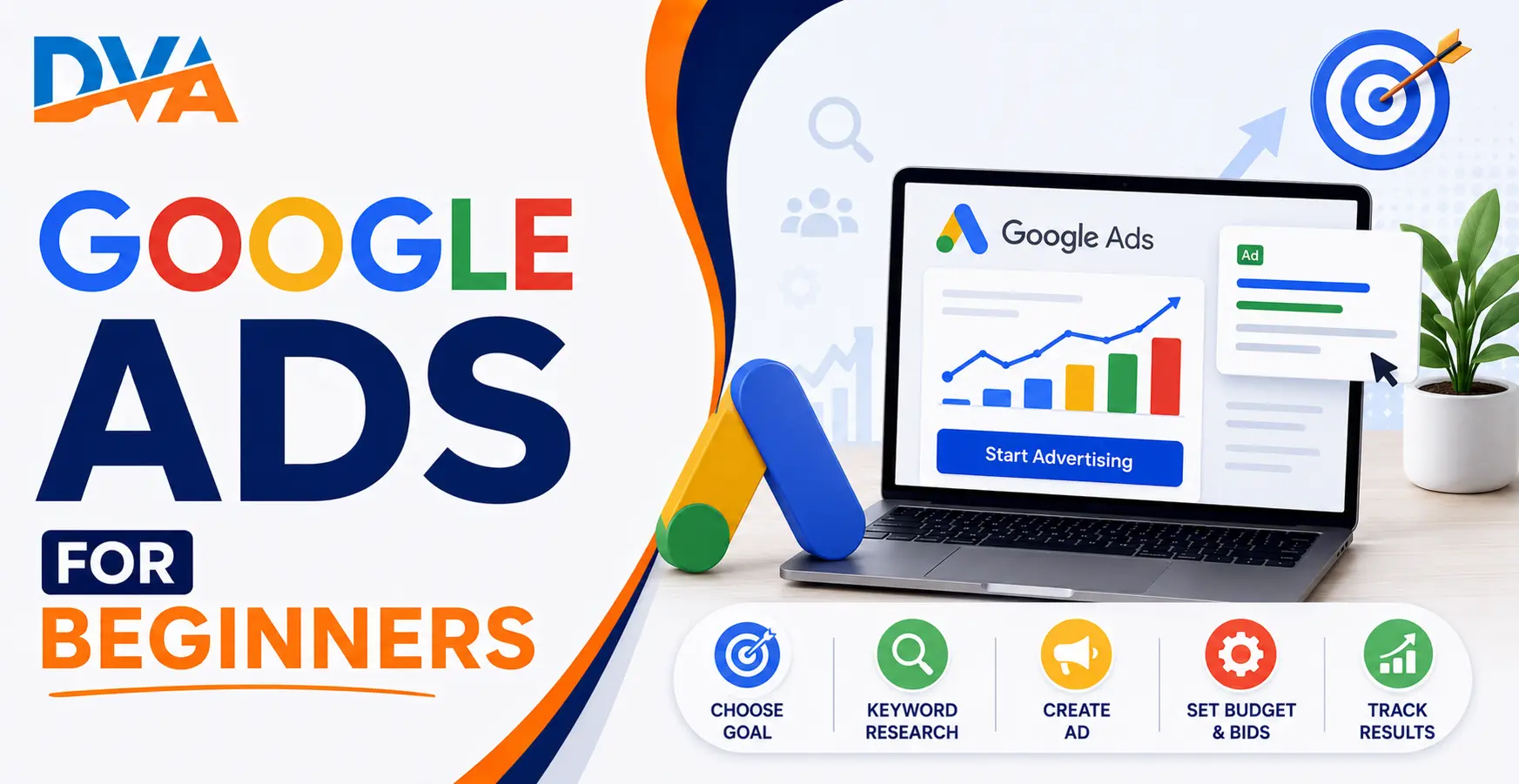
To run your first Google Ads campaign, you need a Google account, a clear goal, a specific landing page, a daily budget, and a list of target keywords. The setup process takes about 30–60 minutes through the Google Ads dashboard. The five core steps are: choose a campaign type, set your budget, pick your keywords, write your ad, and enable conversion tracking.
Google Ads works best when you are clear about who you are targeting, what you want them to do, and what budget you can commit before your first rupee is charged. Starting with a Search campaign, a focused keyword list, and a well-matched landing page gives you the most control and the clearest feedback as a beginner. Relevance beats budget size every time.
Google Ads is Google’s paid advertising platform. When someone searches for a product or service you offer, your ad can appear at the top of Google’s search results. You pay only when someone actually clicks your ad — this is called pay-per-click or PPC advertising.
Running your first campaign can feel technical. But the core idea is simple: you tell Google which keywords you want to appear for, how much you’re willing to pay per click, and what your ad should say. Google then shows your ad to people searching those keywords. This guide walks you through every step, from account creation to your first live ad.
What is Google Ads and How Does It Work?
Every time someone searches on Google, an instant auction takes place. Google considers three things: your bid (how much you’re willing to pay per click), your Quality Score (how relevant your ad and landing page are to the search), and your expected impact. The combination of these factors determines your Ad Rank — whether your ad shows and where it appears.
This means Google Ads is not purely about spending the most money. A highly relevant, well-written ad with a good landing page can outperform a larger budget that targets poorly. As a beginner, this is important to understand: improving relevance is often more effective than increasing your daily spend.
Businesses can appear on Google Search, YouTube, Gmail, and over two million websites across the Google Display Network. For beginners, starting with Google Search campaigns is the right move because the intent is clearest — someone is actively searching for exactly what you offer.
Before You Start — What You Need Ready
- A Google account — the Gmail account you want connected to your Google Ads account
- A clear goal — more website visits, phone calls, form enquiries, or product purchases
- A landing page — the specific page on your website that your ad will send visitors to (not your homepage)
- A daily budget — start conservatively; you can increase it once you see what is working
- A keyword list — at least 5–10 specific search terms your potential customers are likely to use
The most common beginner mistake is sending ad traffic to a home page that doesn’t match what the ad promises. If someone clicks an ad for a “digital marketing course in Coimbatore,” the page they land on should be specifically about that course, not a general website page. Mismatched landing pages waste budget and lower your Quality Score.
For small businesses in Coimbatore thinking about whether Google Ads is the right channel, our guide to digital marketing for small businesses in Coimbatore gives useful context on which channels suit which goals.
Step 1 — Create Your Google Ads Account
- Go to ads.google.com and click “Start now.”
- Sign in with your Google account.
- Google shows a guided Smart campaign setup. Scroll down and find the link that says “Switch to Expert Mode” — click it.
- Select your main advertising goal: sales, leads, website traffic, or brand awareness.
- Enter your business name and website URL.
- Set up your billing details. You will not be charged until your ads go live and receive actual clicks.
Expert Mode gives you access to all campaign types, full keyword control, detailed bid strategy options, and complete performance data. It is the correct environment for anyone who wants to understand and improve their campaigns rather than hand control to automation they cannot see.
Step 2 — Choose the Right Campaign Type for Beginners
| Campaign Type | Where Ads Appear | Best For | Beginner-Friendly? |
|---|---|---|---|
| Search | Google search results | Leads, enquiries, direct sales | Yes — start here |
| Display | Websites, apps, YouTube | Brand awareness, remarketing | Intermediate |
| Shopping | Google Shopping tab | E-commerce product sales | Intermediate |
| Video (YouTube) | YouTube videos | Brand awareness, video content | Intermediate |
| Performance Max | All Google channels | Automated multi-channel targeting | Advanced — not for beginners |
Start with a Search campaign. It targets people who are actively using specific search terms on Google. You are reaching someone at the exact moment they have a need, which is why Search ads typically deliver higher-intent traffic than Display or Video campaigns.
Step 3 — Set Your Budget and Bidding Strategy
Key things to understand about budget and bidding:
- Daily budget — the average you will spend per day. Google can spend up to twice your daily budget on a single high-traffic day but will balance the total so you do not exceed your monthly equivalent.
- Maximise Clicks — Google automates bids to get as many clicks as possible within your budget. Best for beginners collecting early data.
- Manual CPC — you control the maximum bid for each keyword yourself. More management, but full control over spend at keyword level.
- Target CPA (Cost per Acquisition) — effective only after your account has 30–50 recorded conversions. Not suitable for very first campaigns.
Start with Maximise Clicks. Once you have two to four weeks of data and can see which keywords are converting, shift to a smarter bidding strategy that optimises for your actual business goal.
Ready to start?
Learn Digital Marketing with Live Projects at Digital Vishnu Academy, Coimbatore
SEO, Google Ads, Social Media, AI Tools and more. Job-ready in 3 months.
Step 4 — Choose Your Target Keywords
How to build your keyword list:
- Think like your customer. What would they type into Google when looking for your product or service?
- Start specific. “digital marketing course Coimbatore” converts better than just “digital marketing.”
- Use Google Keyword Planner (inside Google Ads → Tools → Keyword Planner) to check search volumes and find related terms.
- Aim for 10–20 keywords per ad group. Too many keywords in one ad group reduces the relevance of your ads.
Understand keyword match types:
- Broad match — your ad shows for loosely related searches. Easiest to set up, hardest to control spend.
- Phrase match — your ad shows when the search contains your keyword phrase in order, within a broader query.
- Exact match — your ad shows only for that exact search or very close variants. Most precise, lowest volume.
For beginners, using phrase match and exact match gives you more control over who sees your ads. Broad match without a strong negative keyword list can exhaust a small budget on irrelevant searches quickly.
Add negative keywords immediately. These are terms you do NOT want to trigger your ad. For example, if you sell a paid training course, add “free” as a negative keyword so your ad does not show for “free digital marketing course.” This single step saves significant budget for most beginners. For a full reference to Google Ads terminology, our Google Ads Glossary explains 80 key terms including all match types in plain English.
Step 5 — Write Your First Google Search Ad
Structure of a Responsive Search Ad:
- Headlines — up to 30 characters each, up to 15 total. Write at least 5. Google shows the best 3 at a time.
- Descriptions — up to 90 characters each, up to 4 total. Write at least 2. These appear below the headlines.
- Final URL — the page where clicks land. Must match what the ad promises.
Example for a digital marketing course:
- Headline 1: “Digital Marketing Course Coimbatore”
- Headline 2: “100% Practical Training + Projects”
- Headline 3: “Enrol Today — Seats Are Limited”
- Description 1: “Learn SEO, Google Ads, Social Media and more with live projects. Training from certified digital marketing experts.”
- Description 2: “Flexible batch timings for students and working professionals. Contact us to book a free demo class.”
Key ad writing rules:
- Include the user’s search keyword in at least one headline
- State a specific, honest benefit — not a generic claim
- Use a clear call to action: “Enrol Now,” “Book a Free Demo,” “Get a Quote Today”
- Match the ad’s message exactly to what the landing page offers — Google checks this and your Quality Score reflects it
Also add Ad Assets (formerly called Ad Extensions). These are free additions to your ad that show extra information without extra cost. Add Sitelink assets (links to specific pages), Callout assets (short phrases like “Expert Trainers” or “Practical Projects”), and Call assets (your phone number so mobile users can call directly).
Step 6 — Set Up Conversion Tracking Before You Go Live
To set up conversion tracking in Google Ads:
- Go to Tools → Conversions → New conversion action.
- Choose “Website” and enter your website URL.
- Select the conversion type: form submission, sign up, purchase, or phone call.
- Install the conversion tracking tag on your thank-you page or form confirmation page. This can be done through Google Tag Manager or by adding the code directly to your site.
Free training for conversion tracking is available at Google Skillshop — Google’s official platform for free certifications in Google Ads, Analytics, and more. The Google Ads Measurement certification covers conversion tracking in full and is a recognised credential for anyone building a career in paid advertising.
Common Google Ads Mistakes Beginners Should Avoid
- No conversion tracking — you cannot know which ads are working without tracking real outcomes
- Too many keywords in one ad group — reduces relevance between keyword, ad, and landing page
- Broad match keywords without negatives — budget drains on irrelevant or low-intent searches
- Wrong landing page — ad sends people to the homepage instead of the specific offer page
- Pausing the campaign in the first week — Google’s algorithm needs at least 2–4 weeks to optimise; early decisions based on small data are unreliable
- Ignoring the Search Terms Report — this report shows the actual searches that triggered your ads; it is one of the most valuable tools for refining your keyword list
- Setting Maximise Conversions without any conversion data — the algorithm has nothing to learn from and will spend your budget inefficiently
For a practical comparison of Google Ads alongside organic search as a channel strategy, our post on SEO vs Google Ads — which is better for your business helps you decide where to focus your budget and effort.
Google Ads can produce results quickly for businesses and professionals who approach it with a clear goal, a well-matched landing page, and a disciplined keyword list. The platform rewards relevance — not just spending. As a beginner, your first campaign is as much about learning the platform as it is about getting immediate results. Use the first few weeks to collect data, not to judge final performance.
Start with a Search campaign, 10–20 phrase-match or exact-match keywords, at least one negative keyword list, and one conversion action tracking set up. Run for three to four weeks before making major changes. Check the Search Terms Report weekly to refine your keywords.
If you want to learn Google Ads with hands-on campaign practice, real assignments, and guidance from experienced digital marketing trainers, our digital marketing course in Coimbatore covers Google Ads as a core module alongside SEO, social media, and content marketing.
Before you launch your first campaign, run your page through our landing page checklist so the clicks you pay for turn into enquiries.
Frequently Asked Questions
How much does it cost to start Google Ads as a beginner?
Google Ads has no minimum spend requirement. You can start with any daily budget. As a beginner, set a budget you are comfortable spending while you learn — this period is about understanding what keywords, ads, and landing pages work for your audience. Start conservatively, analyse the data after two to four weeks, and increase budget on what is demonstrably working.
Do I need a website to run Google Ads?
Yes. Google Ads requires a landing page — a specific page on a website where your ad clicks land. That page must match your ad’s promise, load quickly, and make it easy for visitors to take the intended action: call, fill a form, or buy. Sending traffic to a poorly matched or slow page wastes budget regardless of how good your ads and keywords are.
How long does it take to see results from Google Ads?
For Search campaigns, impressions and clicks can appear within hours of going live. However, meaningful performance data — enough to reliably decide which keywords and ads are working — typically takes 2–4 weeks and several hundred clicks minimum. Do not pause or significantly change a new campaign in the first week before enough data has accumulated.
What is Quality Score in Google Ads?
Quality Score is Google’s rating (1–10) of how relevant your keyword, ad copy, and landing page are to the user’s search. A higher Quality Score means Google considers your ad more useful, which can result in your ad showing more often or at a lower cost per click. Improving relevance — matching keywords to ad copy to landing page — is the most effective way to improve Quality Score and reduce cost.
What is the difference between Google Ads and SEO?
Google Ads places paid ads at the top of search results and charges per click. SEO (search engine optimisation) improves your organic (unpaid) ranking through content quality, technical health, and authority. Ads produce immediate visibility but stop the moment you stop spending. SEO builds over time but delivers sustainable, free traffic. Most businesses benefit from using both channels together once the budget allows.
Is Google Ads good for small businesses in India?
Google Ads works well for small businesses in India when used with specific local keywords, a relevant landing page, and a realistic daily budget. It is particularly effective for service businesses wanting to reach people actively searching for what they offer in a specific location. Start with a tightly focused Search campaign before expanding to other campaign types or larger budgets.
Sources and Further Reading
- Google Ads — The official platform where you create, manage, and track your campaigns
- Google Ads Help Centre — Official documentation on all campaign types, bidding strategies, and ad formats
- Google Skillshop — Free Google Ads certifications covering Search, Display, Measurement, and more
